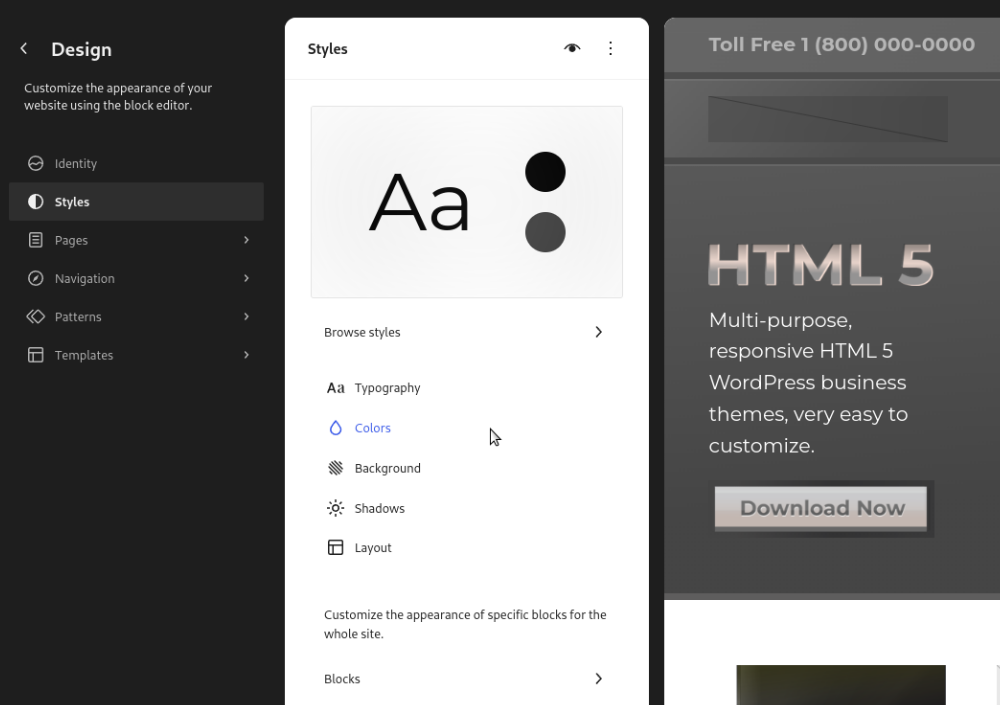
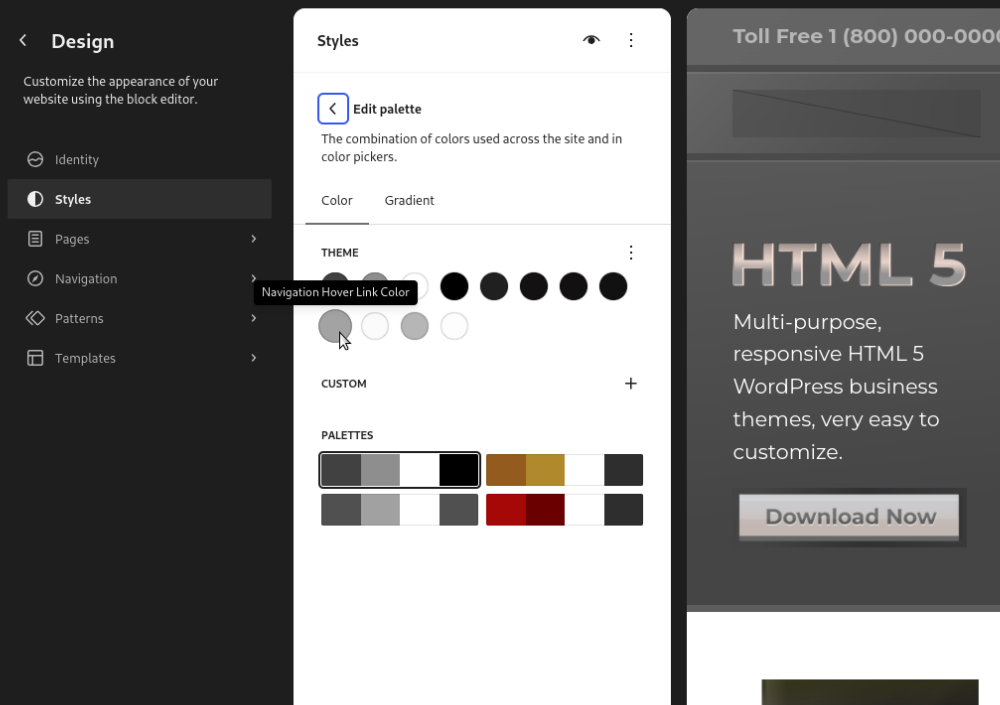
First, go to the main page of your site and click Edit Site to open the WordPress block editor. Then click the Styles Tab on the left hand side of the page.
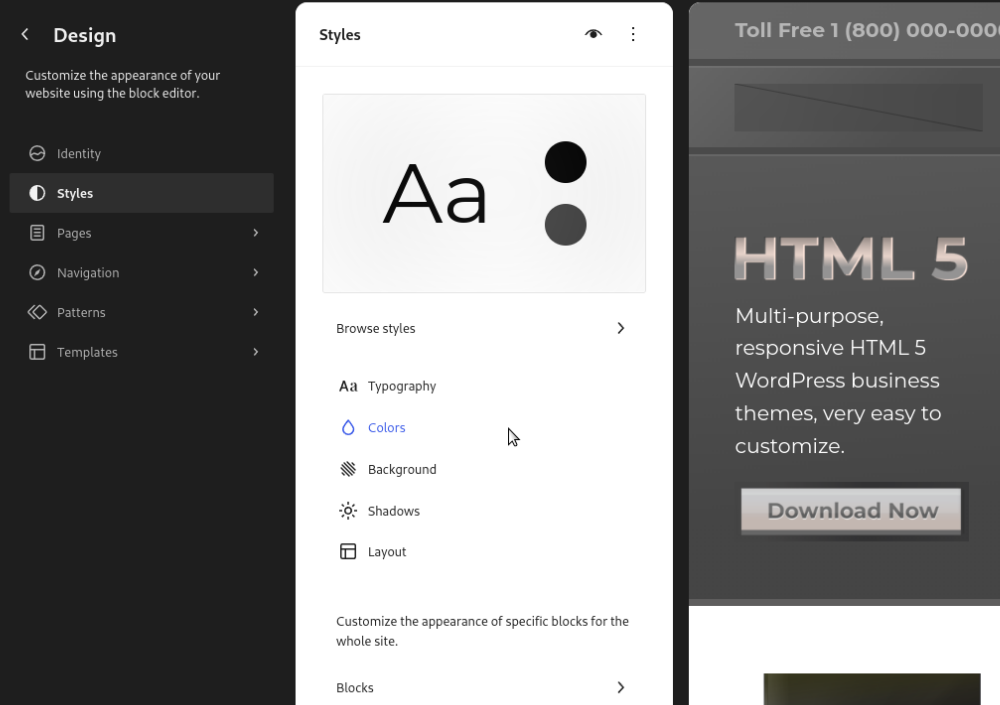
Then click Colors
Then click Edit Palette
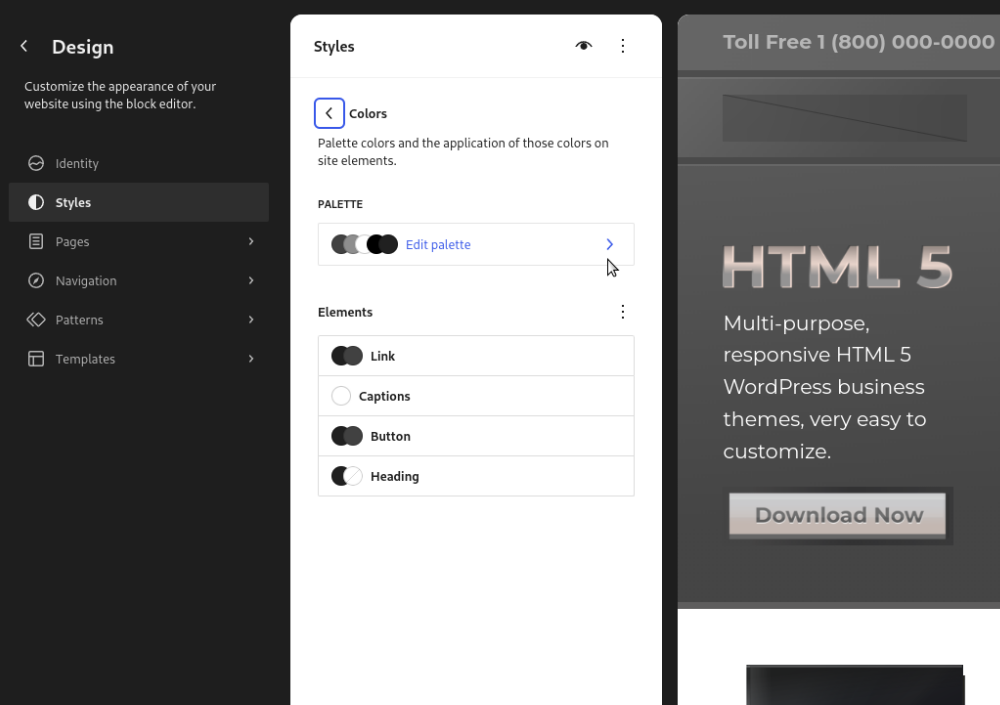
Then select the color that says Navigation Hover Link Color and here you can change the mouse over hover color on all navigation bar links site-wide.
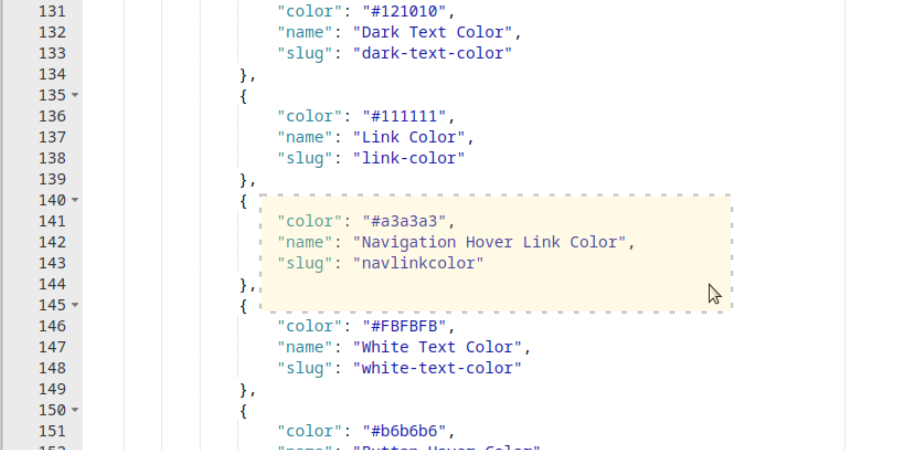
To change the name of the mouse over option as it appears in the block editor, you can edit it here, on line 142 of the theme.json file.