



Navigate to Appearance > Themes and upload the pr-agency.zip file through your WordPress panel and then activate the theme.

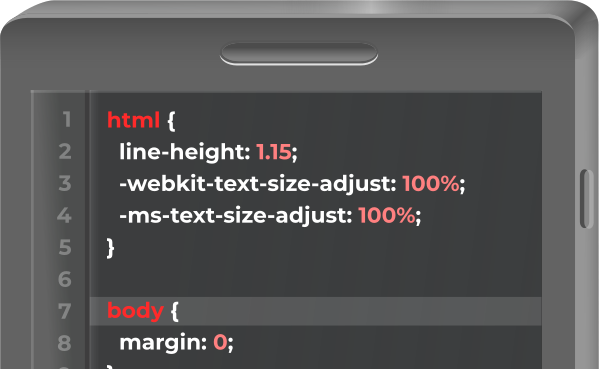
Once installed and activated, Click here to to install the optional, bundled Press Release Editor plugin. Now you can travel to Appearance > Editor, where you can start customizing your theme.


Leave a Reply